
Screen Lab
Scene Builder
Choose when your screens lower and rise, add wind and rain sensors and a privacy scene, and see a whole day of screen movement on a timeline.
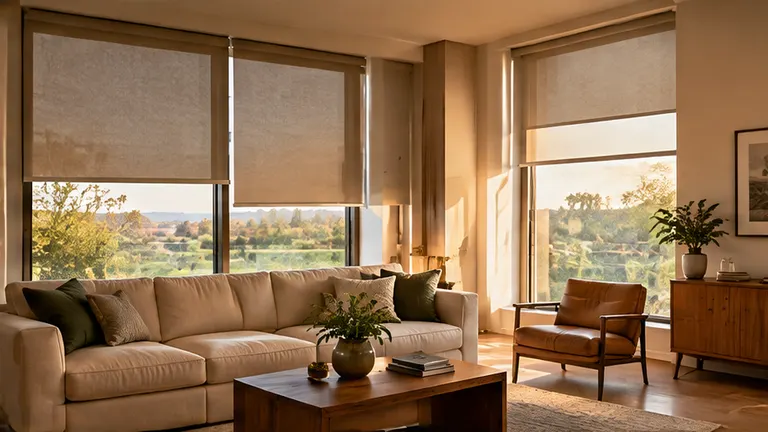
Scene Builder
Plan It: Scene Builder
Wind sensor
Rain sensor
Privacy screen after dark
Movie night scene
- Moves a day-
- Hours shaded-
- Weather moves-
- Private hours-
Saved. It travels with the form at the bottom of this page.
A sketch of how a day could run, not a program. We set the real scenes with you after the install, and every screen can still be moved by hand with the remote.
Reading the result
What the numbers mean
- A day on one chartFour screens and their positions from morning to night.
- Weather rulesWind and rain sensors add protective moves to the day.
- Scenes for the nightPrivacy and movie scenes move several screens at once.
Questions
About this tool
Is this the real program?
No. It is a sketch. We set the real scenes with you after the install.
Can I still use the remote?
Yes. The remote and the wall switch always override.
What if I do not want automation?
Then keep it simple: a remote and a switch are all you need.
Related services
When the plan says it is time
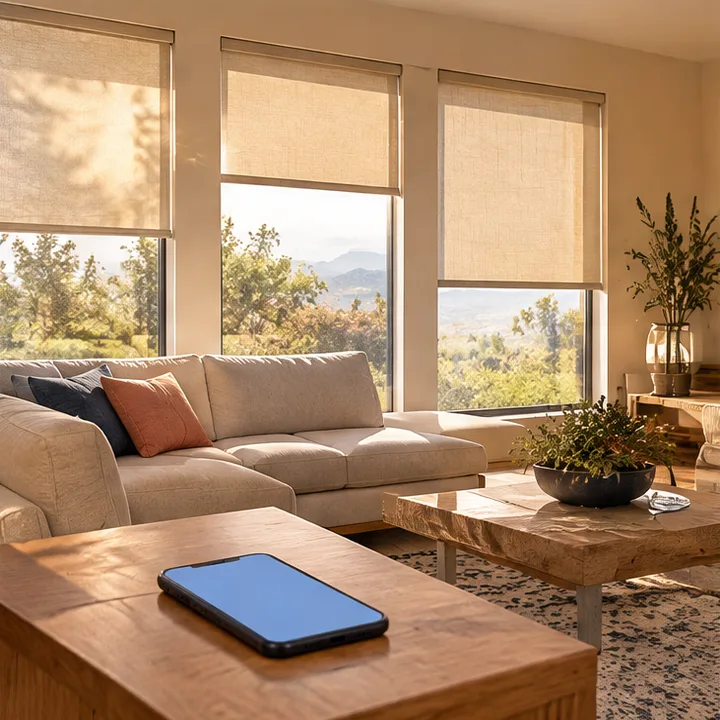 SmartScenes and SchedulesScenes and schedules that move your screens and shades on their own, for sunrise, afternoon sun, evening and goodnight.See the service
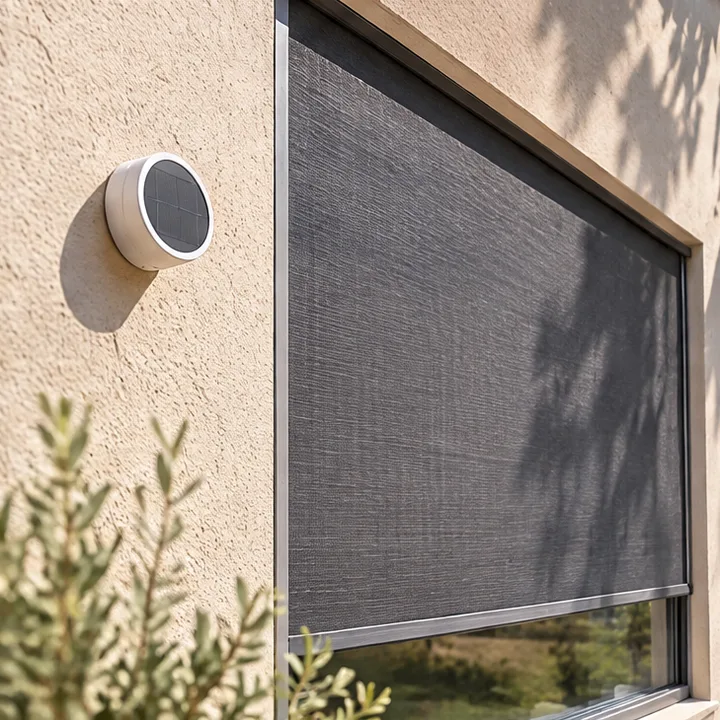 SmartSun Sensors and Auto ShadeSun sensors and auto shade that lower your screens when the sun hits the glass, and raise them when the shade is no longer needed.See the service
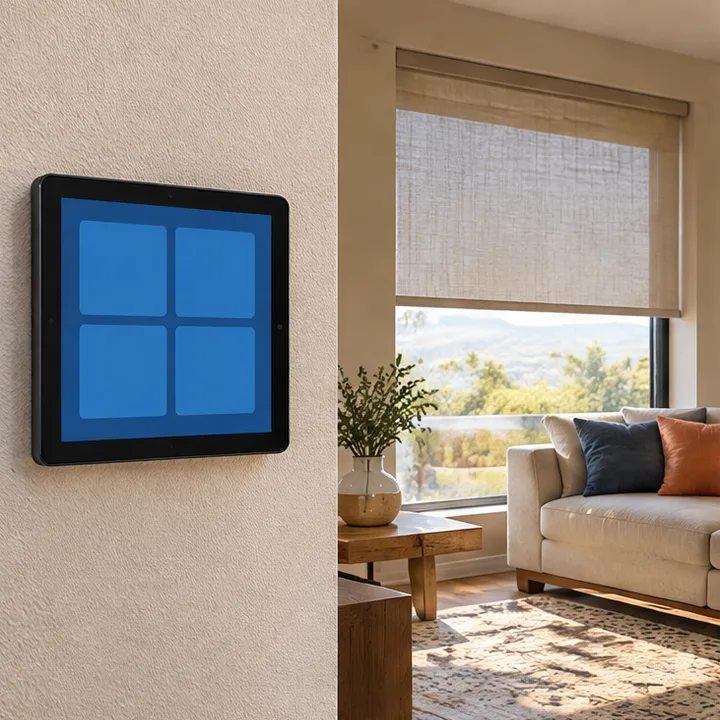 SmartSmart Home IntegrationSmart home integration that ties your screens and shades into the system you already use, so they move with your lights, climate and routines.See the service
Ready to take back your patio?
Call or text Motorized Screens, or send the form, and tell us about the space. We reply with clear next steps and a plan that fits your openings.