
Weather Console
A patio opening with a motorized screen. Lower and raise it with the remote, change the weather and the fabric, and switch on the sensors to see what the screen blocks.
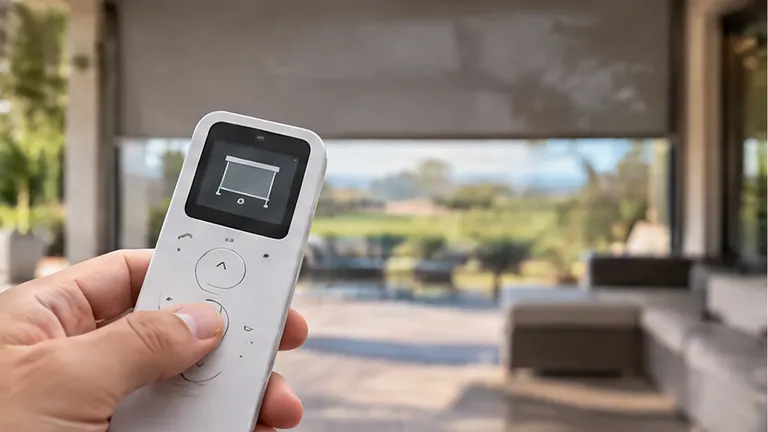
Press It: Weather Console
Saved. It travels with the form at the bottom of this page.
A scene to play with, not a promise of what your screen will do. Lower and raise the screen, change the weather and the fabric, and turn on the sensors to see how each choice protects the patio. Tell us which setup you liked and we turn it into a plan.
What the numbers mean
- Five kinds of weatherSun, bugs, rain, wind and a movie night each test the screen in a different way.
- Three fabricsSolar, insect mesh and clear vinyl behave very differently, and the scene shows it.
- Sensors on autoTurn on the sensors and the screen protects itself.
About this tool
Is this exactly what my screen will do?
No. It is a scene. Your screen depends on its size, fabric and exposure, and we choose and set it for your space.
Why does the screen go up on its own?
With the sensors on, the console copies what a wind or rain sensor would do.
Can I share my setup?
Yes. Press the button under the scene and your choices go to the form at the bottom of the page.
When the plan says it is time
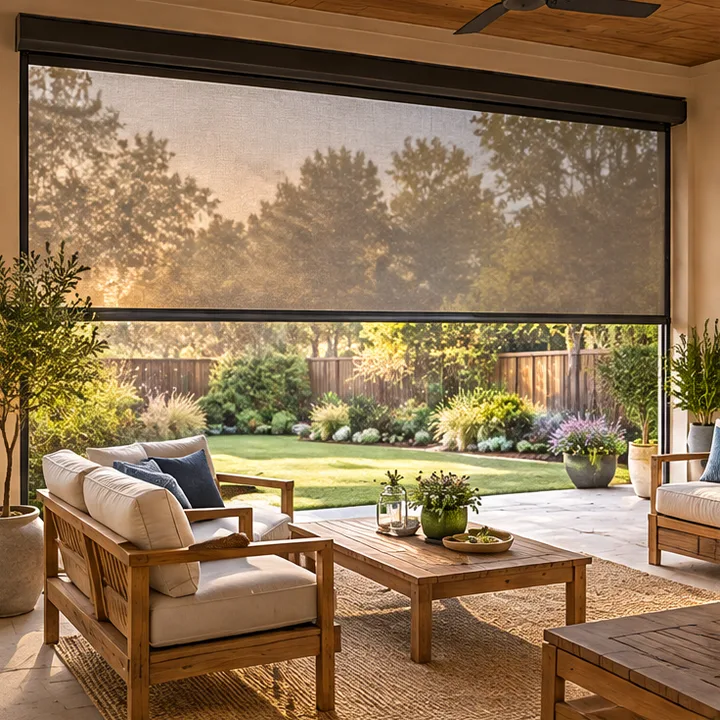 PatioMotorized Retractable Patio ScreensMotorized retractable patio screens that glide down at the touch of a button, keep out bugs and glare, and disappear into a slim headbox when you want the view.See the service
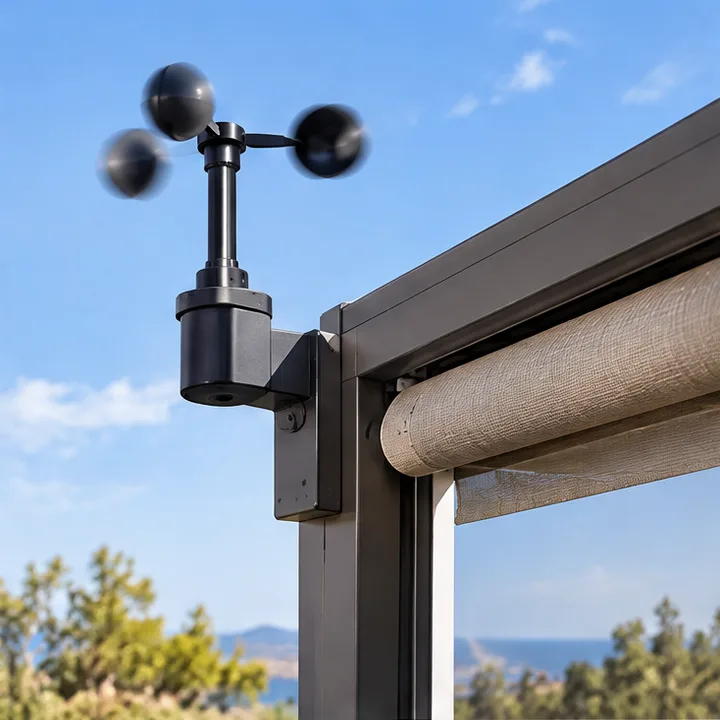 SmartWind Sensors and Auto RetractWind sensors and auto retract that raise your screens before a gust can hurt them, with a setting you choose and a sensor you can trust.See the service
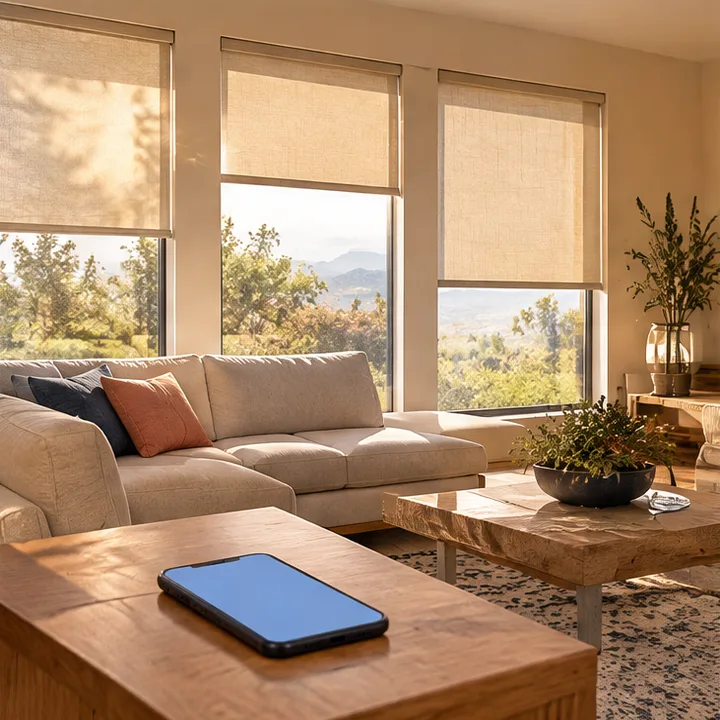 SmartScenes and SchedulesScenes and schedules that move your screens and shades on their own, for sunrise, afternoon sun, evening and goodnight.See the service
Ready to take back your patio?
Call or text Motorized Screens, or send the form, and tell us about the space. We reply with clear next steps and a plan that fits your openings.